NordPass Review 2026: Is It Worth Using?
In an era where the average internet user manages dozens, if not hundreds, of digital accounts, the importance of a robust password management system cannot be overstated. The traditional reliance on memory or insecure physical notes has been rendered obsolete by the increasing sophistication of cyberattacks, particularly credential stuffing and phishing. NordPass, developed by the cybersecurity experts behind NordVPN, has emerged as a leading contender in the password manager market. In 2026, it stands as a mature, feature-rich platform that promises to simplify digital security without compromising on the rigorous standards required to protect sensitive information.
This review provides an exhaustive analysis of NordPass in 2026, evaluating its security architecture, feature set, user experience, and overall value proposition. As part of the broader Nord Security ecosystem, NordPass aims to provide a seamless and secure environment for managing not just passwords, but also credit card information, personal notes, and sensitive documents.
Introduction: The Evolution of NordPass
Since its launch, NordPass has distinguished itself from competitors by prioritizing modern encryption standards and a user-centric design philosophy. While many established password managers continue to rely on the aging AES-256 encryption standard, NordPass was an early adopter of the XChaCha20 algorithm. This choice reflects a forward-thinking approach to security, as XChaCha20 is widely considered to be more efficient and less prone to certain types of side-channel attacks than its predecessors.
In 2026, NordPass has expanded its reach across all major platforms, including Windows, macOS, Linux, Android, and iOS, with seamless synchronization across an unlimited number of devices for premium users. Its integration into the Nord Security suite allows for a unified security experience, making it an attractive option for those already utilizing NordVPN or NordLayer.
Get NordPass Premium Discount Here
Core Features: Beyond Simple Password Storage
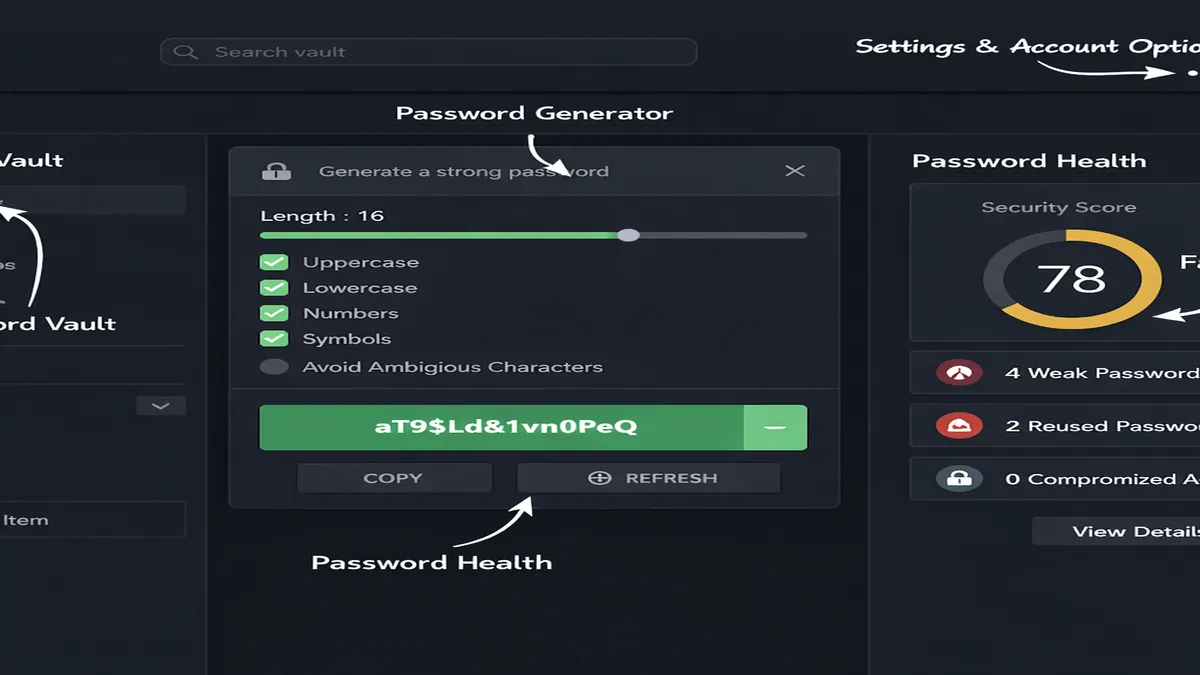
NordPass is designed to be a comprehensive digital vault, offering a wide array of features that extend far beyond the basic storage of login credentials.
1. Advanced Password Management
At its core, NordPass excels at the fundamental tasks of password management. Its Password Generator allows users to create complex, unique passwords that meet the most stringent security requirements. The Autofill and Autosave functions are remarkably intuitive, accurately identifying login fields across a vast range of websites and applications, thereby eliminating the need for manual entry and reducing the risk of keylogging.
2. Data Breach Scanner
One of the most critical features in the 2026 version of NordPass is the Data Breach Scanner. This tool continuously monitors the dark web for any instances of the user's email addresses or passwords appearing in known data breaches. If a compromise is detected, NordPass provides immediate alerts and actionable advice on how to secure the affected accounts.
3. Secure Notes and Credit Card Storage
NordPass allows users to store more than just passwords. Its Secure Notes feature is ideal for keeping sensitive information like software license keys, Wi-Fi passwords, or alarm codes. The Credit Card Storage function enables users to save their payment information securely, allowing for rapid and safe checkout processes on e-commerce platforms without the need to store card details on the merchant's servers.
4. Emergency Access
The Emergency Access feature is a vital component of a modern password manager. It allows users to designate a trusted contact who can request access to their vault in the event of an emergency. This ensures that critical digital assets remain accessible to loved ones if the primary user is unable to access them.
5. Password Health Tool
To help users maintain a high level of security, NordPass includes a Password Health tool. This feature analyzes the user's entire vault to identify weak, reused, or old passwords. By providing a clear overview of potential vulnerabilities, it encourages users to proactively update their credentials and maintain a robust security posture.
Security Architecture: The XChaCha20 Advantage
The security of a password manager is only as strong as its underlying encryption and architecture. NordPass employs a Zero-Knowledge architecture, meaning that all data is encrypted on the user's device before it is ever uploaded to NordPass's servers. The provider does not have access to the user's Master Password or the contents of their vault, ensuring that even in the event of a server-side breach, the user's data remains unreadable.
XChaCha20 Encryption
As previously mentioned, NordPass utilizes the XChaCha20 encryption algorithm with Poly1305 for authentication. This choice is significant for several reasons:
- Efficiency: XChaCha20 is generally faster than AES-256, particularly on devices that do not have hardware acceleration for AES.
- Security: It is less susceptible to cache-timing attacks, a common vulnerability in software implementations of AES.
- Modernity: It is the same encryption standard used by Google for its internal communications and by the WireGuard VPN protocol.
Multi-Factor Authentication (MFA)
NordPass supports a wide range of MFA options to provide an additional layer of security. Users can utilize authenticator apps (like Google Authenticator or Authy), security keys (such as YubiKey), or biometric authentication (FaceID, TouchID, or Windows Hello) to secure their vault.
Independent Security Audits
To maintain user trust, NordPass undergoes regular independent security audits. In 2024 and 2025, the service was audited by reputable third-party firms, which confirmed the integrity of its security claims and the robustness of its encryption implementation.
Pricing and Plans: Finding the Right Fit
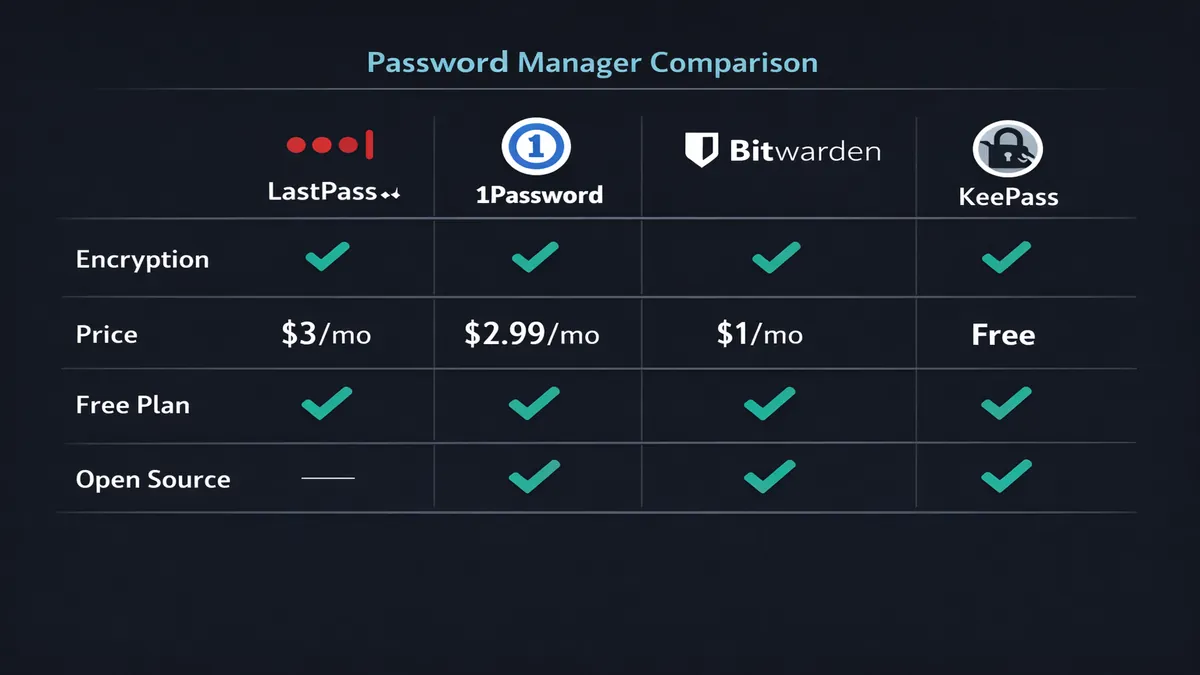
NordPass offers a tiered pricing structure designed to accommodate a variety of user needs, from individuals to large families.
| Plan | Best For | Key Features | Price (Approx.) |
|---|---|---|---|
| Free | Casual Users | 1 User, Unlimited Passwords, Autosave/Autofill | $0.00 |
| Premium | Individuals | 1 User, Data Breach Scanner, Password Health, Emergency Access | $1.49/mo* |
| Family | Households | Up to 6 Users, All Premium Features, Individual Vaults | $3.69/mo* |
The Free plan is surprisingly capable, offering unlimited password storage and synchronization across devices. However, it lacks the advanced security monitoring features found in the Premium tier. For most users, the Premium plan represents the best value, providing comprehensive protection for less than the cost of a monthly coffee.
Check Current NordPass Pricing
Pros and Cons: An Objective Evaluation
Pros
- Modern Encryption: The use of XChaCha20 sets a high bar for security and performance.
- Exceptional User Interface: The apps are clean, intuitive, and easy to navigate, even for non-technical users.
- Zero-Knowledge Architecture: Ensures that only the user can access their sensitive data.
- Comprehensive Feature Set: Includes data breach monitoring, password health analysis, and emergency access.
- Trusted Brand: Backed by the reputation and resources of Nord Security.
Cons
- Closed Source: Unlike Bitwarden, the NordPass source code is not publicly available for community review.
- Limited Free Plan: While it offers unlimited storage, it lacks the proactive security features of the paid version.
- No Self-Hosting Option: Users must rely on NordPass's cloud infrastructure for synchronization.
NordPass vs. Competitors: A Head-to-Head Comparison
To understand where NordPass stands in the broader market, it is helpful to compare it with other leading password managers in 2026.
| Feature | NordPass | Bitwarden | 1Password | Proton Pass |
|---|---|---|---|---|
| Encryption | XChaCha20 | AES-256 | AES-256 | AES-256 |
| Open Source | No | Yes | No | Yes |
| Free Tier | Good | Excellent | None | Good |
| Ease of Use | Excellent | Moderate | Excellent | Good |
| Data Breach Alerts | Yes | Yes | Yes | Yes |
| Jurisdiction | Panama | USA | Canada | Switzerland |
Frequently Asked Questions (FAQ)
Is NordPass safe to use?
Yes, NordPass is considered one of the most secure password managers available. Its use of XChaCha20 encryption, zero-knowledge architecture, and regular independent audits ensure that your data is protected to the highest possible standards.
What happens if I lose my Master Password?
Because NordPass operates on a zero-knowledge basis, they cannot reset your Master Password for you. However, you can set up a Recovery Code when you first create your account. If you lose your Master Password and do not have your Recovery Code or an Emergency Access contact, you will lose access to your vault permanently.
Can I import my passwords from another manager?
Yes, NordPass makes it very easy to migrate from other services like LastPass, 1Password, or Chrome's built-in password manager. You can simply export your data as a CSV file and import it directly into NordPass.
Is NordPass better than Bitwarden?
The answer depends on your priorities. If you value open-source transparency and the ability to self-host your data, Bitwarden is the better choice. However, if you prefer a more polished user interface, faster encryption, and a more intuitive experience, NordPass is likely the superior option.
Final Verdict: Is NordPass Worth It in 2026?
In 2026, NordPass has solidified its position as a top-tier password manager that successfully balances high-level security with an exceptional user experience. Its commitment to modern encryption standards like XChaCha20, combined with a comprehensive suite of security tools such as the Data Breach Scanner and Password Health tool, makes it a formidable defense against the ever-evolving landscape of cyber threats.
For individuals and families seeking a reliable, easy-to-use, and highly secure way to manage their digital identities, NordPass is undoubtedly worth the investment. Its competitive pricing and integration with the broader Nord Security ecosystem further enhance its value proposition. While the lack of open-source transparency may be a deterrent for some, the provider's commitment to regular independent audits goes a long way in mitigating these concerns.
Secure Your Passwords with NordPass Today
Alternative Recommendation: For those who prefer a Swiss-based, privacy-focused alternative, Proton Pass is an excellent choice that integrates seamlessly with the Proton ecosystem.
📚 Related Articles
* Affiliate link. We may earn a commission at no extra cost to you.
Also consider: Proton Pass (Swiss privacy)
Disclosure: This article contains affiliate links. We may earn a commission if you purchase through our links, at no extra cost to you. See our affiliate disclosure.