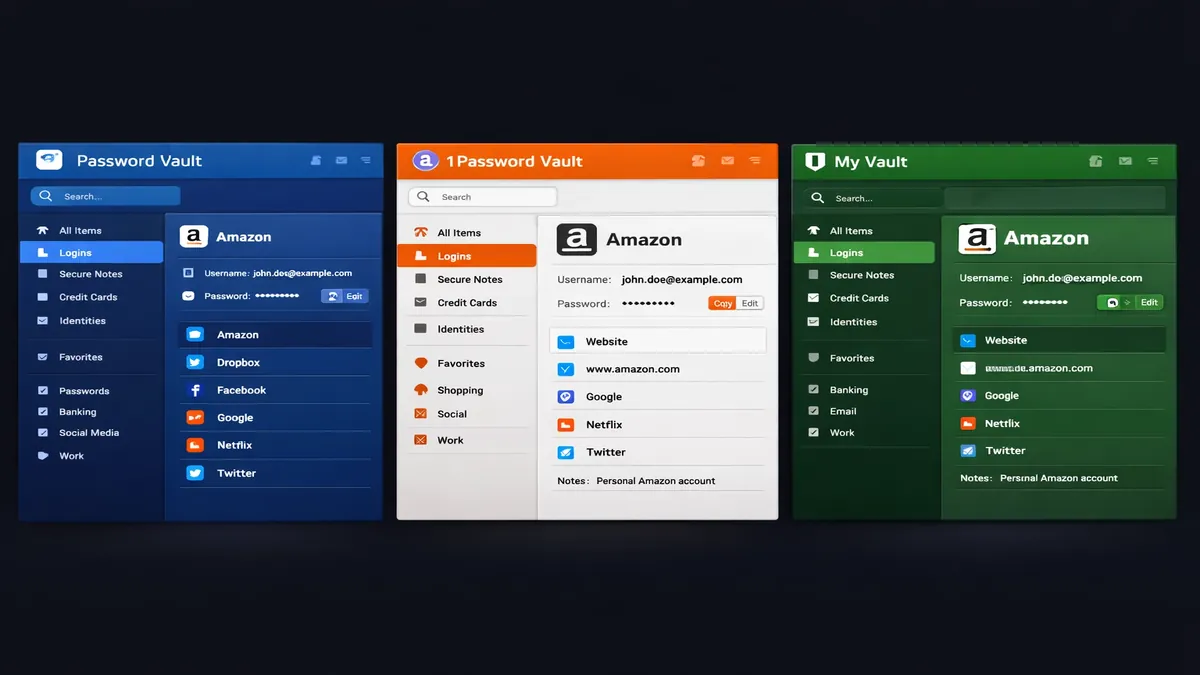
NordPass vs 1Password vs Bitwarden 2026: Which Wins?
In 2026, the digital landscape is more complex than ever. With the rise of sophisticated phishing attacks, AI-driven credential stuffing, and the sheer number of online accounts the average person manages, a password manager is no longer a luxury—it is a fundamental necessity for digital survival. However, the market has matured significantly, and choosing between the top contenders—NordPass, 1Password, and Bitwarden—requires a deep understanding of their unique philosophies, security architectures, and user experiences.
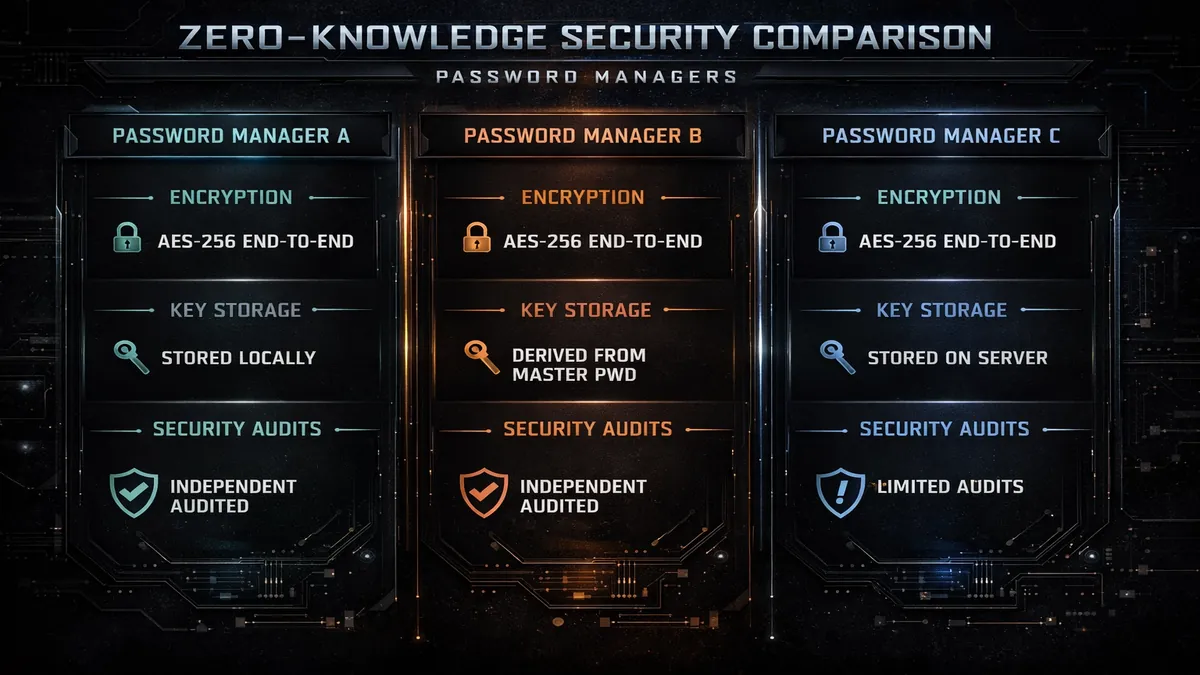
While all three services offer "zero-knowledge" security—meaning they cannot see your data even if they wanted to—they approach this goal from very different angles. NordPass focuses on modern, future-proof encryption and a seamless user interface. 1Password emphasizes a premium, feature-rich experience with unique travel protections. Bitwarden, meanwhile, remains the champion of transparency and accessibility through its open-source model. This guide will break down everything you need to know to make an informed decision for 2026.
Head-to-Head Comparison Table
| Feature | NordPass | 1Password | Bitwarden |
|---|---|---|---|
| Encryption | XChaCha20 | AES-256 + Secret Key | AES-256 |
| Free Plan | Limited (1 Device) | None (14-day trial) | Unlimited (2 Devices) |
| Open Source | No | No | Yes |
| Jurisdiction | Panama / Lithuania | Canada | USA |
| Unique Feature | Data Breach Scanner | Travel Mode | Self-Hosting |
| User Experience | Modern & Minimalist | Polished & Premium | Functional & Technical |
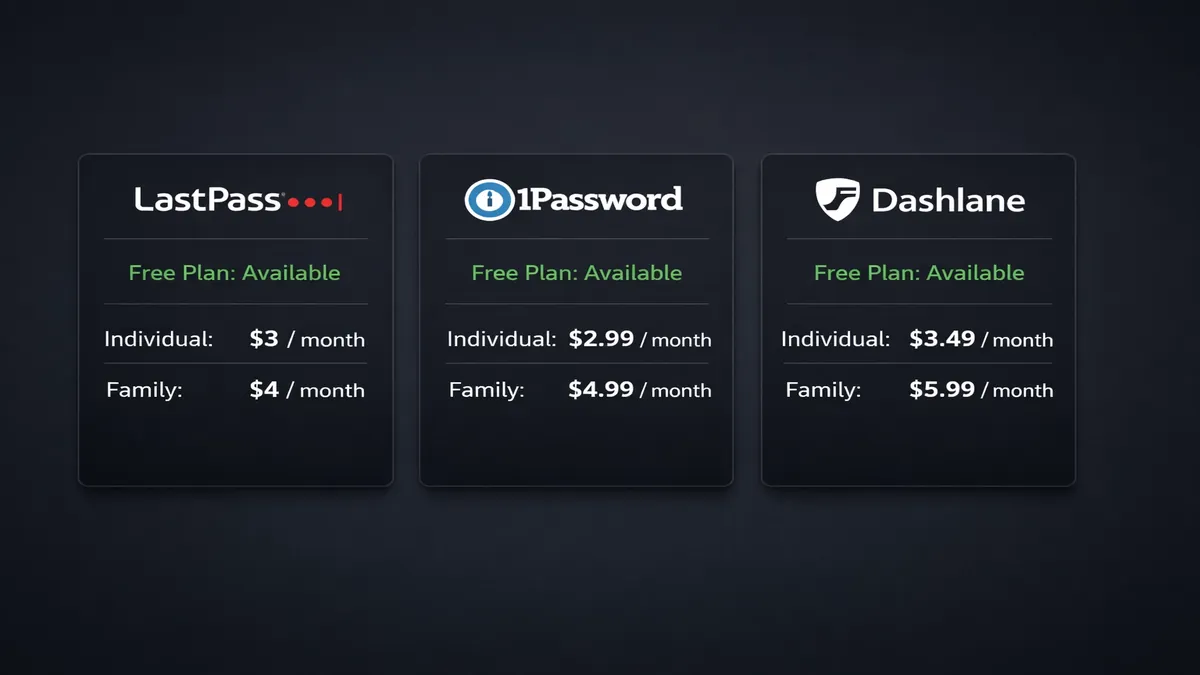
| Starting Price | ~$1.49/mo | ~$3.99/mo | Free / $10/year |
NordPass Deep Dive: The Modern Contender
NordPass, developed by the same security experts behind NordVPN, has rapidly climbed the ranks to become a top-tier password manager. Its primary differentiator in 2026 is its use of the XChaCha20 encryption algorithm. While most of the industry still relies on AES-256, NordPass argues that XChaCha20 is more "future-proof" and efficient. Technically speaking, XChaCha20 is a stream cipher that is faster than the block-based AES-256 on devices that do not have dedicated hardware acceleration for AES. This makes NordPass exceptionally snappy on older smartphones, budget tablets, and IoT devices. Furthermore, XChaCha20 is less susceptible to certain types of side-channel attacks, providing an extra layer of theoretical security that appeals to cryptography enthusiasts.
The user experience of NordPass is arguably the most modern and streamlined of the three. It avoids the "clunky" and intimidating feel of traditional security software, offering a clean, minimalist interface that appeals to both tech-savvy users and beginners alike. The onboarding process is remarkably smooth, guiding users through the process of importing their existing passwords from browsers or other managers with just a few clicks.
One of its standout features in 2026 is the Data Breach Scanner. This tool proactively monitors the dark web and known leak databases for your email addresses and credentials. If your data appears in a new breach, NordPass sends an immediate notification to your device, allowing you to change the affected password before a hacker can exploit it. Additionally, the Password Health tool provides a comprehensive audit of your vault, identifying weak, reused, or old passwords that need updating.
Furthermore, NordPass has integrated seamlessly into the broader Nord Security ecosystem. If you are already a user of NordVPN or NordLayer, you can manage your subscriptions and security settings from a single unified dashboard. The "Nord Account" system provides a centralized point of control, making it an excellent choice for those who want a cohesive and simplified digital security stack. For those who value speed, modern encryption, and a beautiful interface, NordPass is a compelling choice.
Try NordPass Today: https://go.nordpass.io/aff_c?offer_id=488&aff_id=142745&url_id=9356
1Password Deep Dive: The Premium Standard
1Password has long been considered the "gold standard" for professional and family password management. Its philosophy is built around providing the most polished and feature-rich user experience possible, combined with layers of security that go beyond the industry standard. The most notable of these is the Secret Key. Unlike other managers that rely solely on a master password, 1Password generates a unique 34-character code locally on your device during setup. This key is required, alongside your master password, to authorize any new device. Because the Secret Key never leaves your device and is never sent to 1Password's servers, it provides a powerful defense against brute-force attacks. Even if a hacker were to somehow obtain your master password, they would still be unable to access your vault without the physical Secret Key.
For the frequent traveler or the high-stakes professional, 1Password offers a unique and highly effective feature called Travel Mode. In an era where border agents in some countries may demand access to your digital devices, Travel Mode allows you to protect your most sensitive information. When activated from your web account, Travel Mode removes designated "sensitive" vaults from all your devices entirely. Only the vaults you have marked as "safe for travel" remain. This ensures that even if you are forced to unlock your phone or laptop, the sensitive data simply isn't there to be found. Once you have safely reached your destination, you can toggle Travel Mode off, and your data is instantly and securely restored from the cloud.
1Password also excels in its Watchtower feature, which is more comprehensive than standard breach scanners. It not only alerts you to compromised passwords but also identifies websites that lack two-factor authentication, accounts with expiring credit cards, and even security vulnerabilities in the websites you use. While 1Password is the most expensive option and notably lacks a permanent free tier, its family plan remains one of the best values in the industry. It covers up to five people and provides robust sharing controls, allowing parents to manage their children's security while maintaining their own private vaults. For those who want the absolute best in polish, prestige, and advanced travel protection, 1Password is the definitive choice.
Bitwarden Deep Dive: The Open-Source Champion
Bitwarden is the darling of the privacy and open-source communities for one simple reason: it is 100% transparent. Every line of code that powers Bitwarden's apps, browser extensions, and servers is available for public inspection on GitHub. This means that independent security researchers, cryptographers, and curious users can audit the code to ensure there are no hidden backdoors, tracking scripts, or vulnerabilities. In an era where trust in proprietary software is at an all-time low, Bitwarden's commitment to the open-source philosophy is its greatest competitive advantage.
Bitwarden also offers the most generous and functional free plan on the market in 2026. While competitors like NordPass limit free users to a single active device, Bitwarden allows you to sync your vault across an unlimited number of devices—phones, tablets, laptops, and desktops—entirely for free. This makes it the go-to choice for students, budget-conscious individuals, and anyone who believes that basic digital security should be a universal right rather than a paid privilege.
For power users, IT professionals, and privacy-conscious enterprises, Bitwarden offers a feature that neither NordPass nor 1Password can match: the ability to self-host. You can deploy the entire Bitwarden server infrastructure on your own hardware or a private cloud instance. This gives you total control over your data residency, ensuring that your encrypted vault never even touches Bitwarden's own servers.
While the user interface is often criticized for being more "utilitarian" and less "polished" than the sleek designs of 1Password or NordPass, it is highly efficient and gets the job done without unnecessary flair. The premium version, which costs a mere $10 per year, adds advanced features like integrated two-factor authentication (2FA) code generation, security reports, and 1GB of encrypted file storage. For those who value transparency, flexibility, and incredible value, Bitwarden is the undisputed champion.
Detailed Buying Guide: What to Look for in a Password Manager in 2026
When selecting a password manager, you should look beyond the basic ability to save passwords. Consider these critical factors:
1. Zero-Knowledge Architecture
This is the most important security feature. It ensures that your data is encrypted on your device using your master password before it is sent to the cloud. The service provider should never have access to your master password or the keys to your vault. All three managers discussed here use this architecture.
2. Multi-Factor Authentication (MFA) Support
Your master password is your last line of defense, but it shouldn't be your only one. Ensure your chosen manager supports robust MFA options, such as hardware security keys (YubiKey), authenticator apps (TOTP), or biometric login (FaceID/TouchID).
3. Cross-Platform Syncing
In 2026, we use a multitude of devices. Your password manager must have high-quality apps for iOS and Android, as well as extensions for all major browsers (Chrome, Firefox, Safari, Edge). It should also offer a web vault for emergency access from any computer.
4. Emergency Access Features
What happens to your digital life if you are incapacitated? Look for a manager that allows you to designate a "trusted contact" who can request access to your vault after a predefined waiting period. This ensures your family can access important accounts when they need them most.
The Verdict: Which Password Manager Should You Choose?
Choosing the "winner" in 2026 depends entirely on your personal needs and digital habits:
- The Modern Choice: NordPass. Choose NordPass if you want a fast, modern, and incredibly easy-to-use manager that uses the latest encryption standards. It is the best choice for the average user who wants high-end security without a steep learning curve.
- The Premium Choice: 1Password. Choose 1Password if you are a professional or a family head who wants the most polished experience, the best customer support, and unique security features like the Secret Key and Travel Mode. It is worth the higher price for the peace of mind it provides.
- The Privacy Choice: Bitwarden. Choose Bitwarden if you are a tech enthusiast, a privacy advocate, or simply looking for the best free service available. Its open-source nature and self-hosting capabilities make it the most flexible and transparent option on the market.
Regardless of which one you choose, the most important step is to stop reusing passwords and start using a manager today. Your digital security is only as strong as your weakest password.
Get Started with NordPass: https://go.nordpass.io/aff_c?offer_id=488&aff_id=142745&url_id=9356
Check out Proton Pass: https://go.getproton.me/aff_c?offer_id=38&aff_id=16738
Frequently Asked Questions (FAQ)
Is NordPass safer than 1Password?
Both are incredibly safe. NordPass uses a more modern encryption algorithm (XChaCha20), while 1Password uses a dual-layer authentication system (Master Password + Secret Key). In practice, both are virtually unhackable if you use a strong master password and enable two-factor authentication.
Can I switch from 1Password to Bitwarden easily?
Yes, all three services allow you to export your data in a standardized format (usually .CSV or .JSON) and import it into the new service. The process typically takes less than five minutes, though you should always delete your export file immediately after the transfer is complete.
Does Bitwarden's free plan include a password generator?
Yes, Bitwarden's free plan includes a robust password generator that can create long, complex strings of characters or easy-to-remember passphrases. This feature is available on their web vault, browser extensions, and mobile apps.
Is Proton Pass a good alternative?
Proton Pass is an excellent alternative, especially for those already in the Proton ecosystem (Mail, Drive, VPN). It offers a very strong free tier and focuses heavily on privacy, though it currently lacks some of the advanced enterprise features found in 1Password or Bitwarden.
Get Started with NordPass: https://go.nordpass.io/aff_c?offer_id=488&aff_id=142745&url_id=9356
Check out Proton Pass: https://go.getproton.me/aff_c?offer_id=38&aff_id=16738
📚 Related Articles
* Affiliate link. We may earn a commission at no extra cost to you.
Also consider: Proton Pass (Swiss privacy)
Disclosure: This article contains affiliate links. We may earn a commission if you purchase through our links, at no extra cost to you. See our affiliate disclosure.