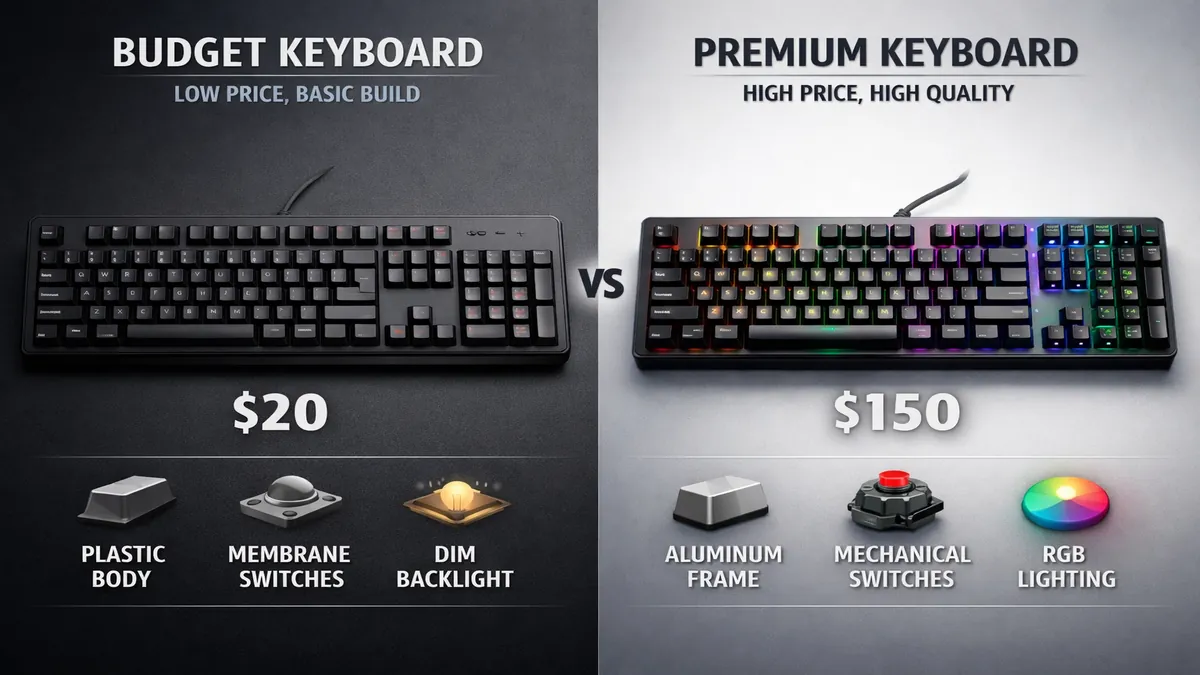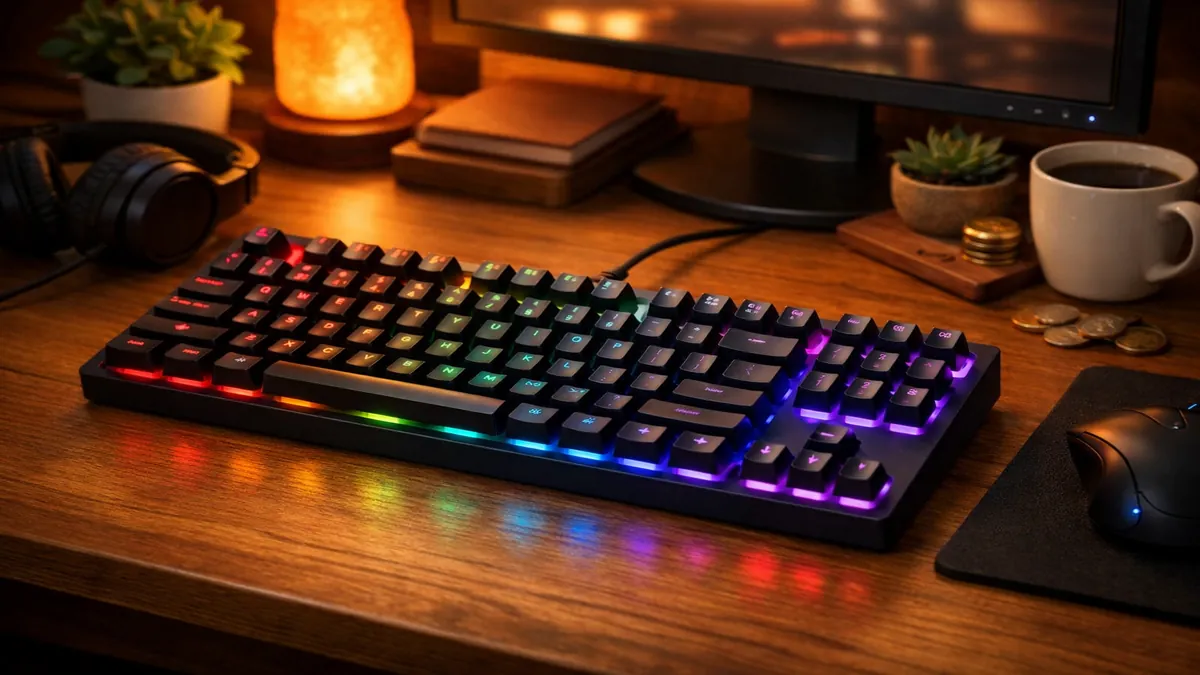
For years, the world of mechanical keyboards was an exclusive club with a high barrier to entry. Enthusiasts paid hundreds of dollars for custom-built boards, while the average consumer was left with mushy, unreliable membrane keyboards. But in 2026, the market has undergone a seismic shift. Thanks to innovations in manufacturing and the fierce competition between brands, it is now possible to get a high-quality, feature-rich mechanical keyboard for under $60. This is not about settling for a subpar experience; it's about accessing premium features at an entry-level price.
In this guide, we explore the best budget mechanical keyboards that offer incredible value without compromising on the core tenets of what makes a mechanical keyboard great: satisfying tactility, long-term durability, and a world of customization. We have tested over two dozen models, focusing on build quality, switch performance, and out-of-the-box usability to bring you the definitive list of the best affordable mechanical keyboards in 2026.
The Rise of the Budget-Friendly Mechanical Keyboard
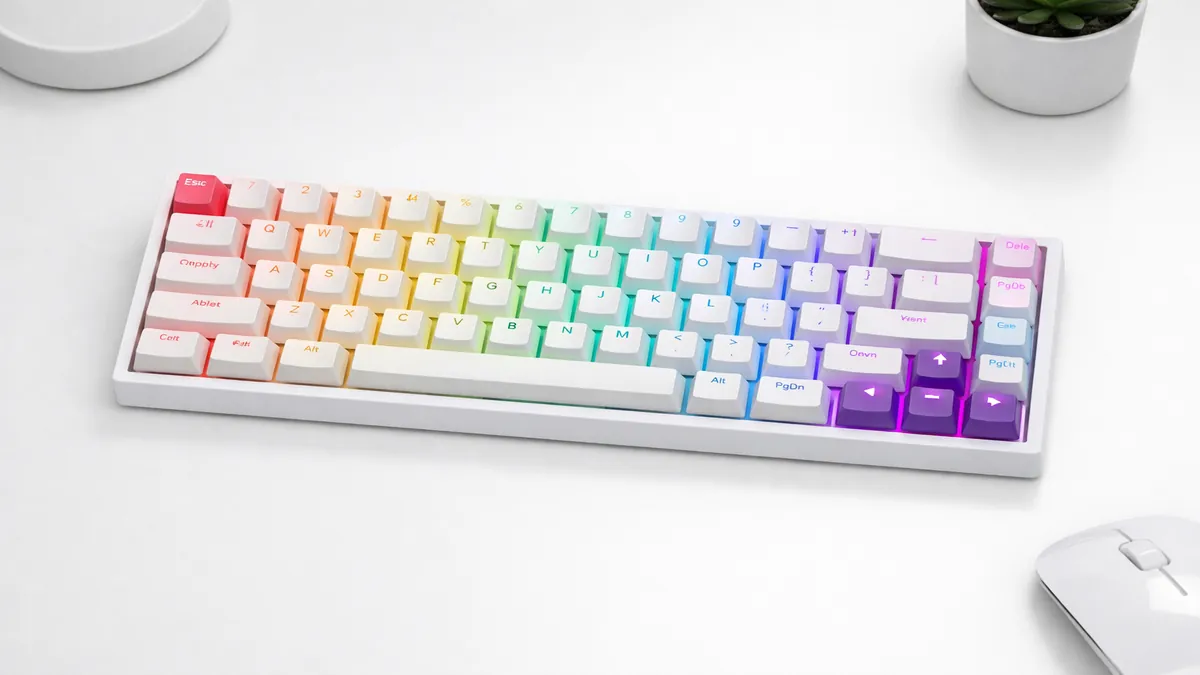
How did we get here? Several factors have contributed to the democratization of mechanical keyboards:
- Switch Innovation: Brands like Gateron, Outemu, and Royal Kludge's own switch line have created high-quality clones of the original Cherry MX designs, offering comparable performance at a fraction of the cost.
- Manufacturing at Scale: The explosion in popularity has allowed manufacturers to scale up production, driving down the cost of components like PCBs, plates, and cases.
- Hot-Swappability: This feature, once reserved for expensive custom boards, is now common in the budget sector. It allows users to easily change switches, providing a pathway for future upgrades and repairs without needing to buy a whole new keyboard.
- Community and Competition: A vibrant online community of keyboard enthusiasts has pushed brands to innovate and offer more features for less, creating a highly competitive market that benefits the consumer.
Quick Picks: Top 3 Budget Mechanical Keyboards
| Product | Best For | Score | Price Range |
|---|---|---|---|
| Royal Kludge RK68 | Overall Value & Versatility | 9.7/10 | Budget |
| Keychron K2 Pro | Mac Users & Modders | 9.5/10 | Budget |
| Redragon K552 | Entry-Level Gaming | 9.1/10 | Budget |
Detailed Reviews: The 5 Best Budget Mechanical Keyboards of 2026
1. Royal Kludge RK68: The Undisputed Budget Champion
The Royal Kludge RK68 is not just a great budget keyboard; it's a great keyboard, period. It packs an astonishing number of features into a compact 65% layout at a price that is almost too good to be true. In 2026, it remains the benchmark against which all other budget mechanical keyboards are measured.
Features and Connectivity
The RK68's standout feature is its triple-mode connectivity. It can connect via low-latency 2.4GHz wireless (with a dongle), Bluetooth 5.0 (to three different devices), or a detachable USB-C cable. This level of versatility is rare even in keyboards that cost three times as much. The 65% layout is also a major plus, as it retains the crucial arrow keys while maintaining a very small footprint on your desk.
Build and Customization
The keyboard is hot-swappable, allowing you to experiment with different switch types without soldering. It comes with decent factory-lubed RK switches (available in Red, Brown, or Blue) and surprisingly good stabilizers. The included software allows for RGB customization and macro programming, making it a complete package for both work and play.
Pros:
- Triple-mode connectivity (2.4GHz, Bluetooth, Wired).
- Hot-swappable PCB for easy switch upgrades.
- Compact 65% layout with arrow keys.
- Incredible value for the price.
Cons:
- ABS keycaps can develop shine over time.
- Software can be a bit clunky to use.
Verdict: The Royal Kludge RK68 is the best all-around budget mechanical keyboard on the market. It offers a feature set that rivals premium boards, making it the perfect starting point for anyone new to the hobby or anyone looking for a high-value secondary board.
2. Redragon K552 Kumara: The Gamer's First Mechanical Keyboard
The Redragon K552 has been a gateway for millions of gamers into the world of mechanical keyboards, and for good reason. It is a no-frills, tenkeyless (TKL) board that focuses on delivering a solid gaming experience at an unbeatable price.
Performance and Durability
The K552 is built to last. It features a metal top plate, splash-proof design, and durable, double-shot ABS keycaps. The switches are Outemu Blues, which are loud, clicky, and tactile—providing clear feedback for every keypress. While not the quietest option, they are perfect for gamers who want to feel and hear every action.
Simplicity and Value
This keyboard is all about plug-and-play simplicity. There is no complex software to install; the red backlighting is controlled directly from the keyboard. The TKL layout provides plenty of space for wide mouse movements, which is critical for FPS games. While it lacks wireless connectivity and hot-swappability, its raw performance and durability make it an incredible value.
Pros:
- Extremely durable with a metal frame.
- Responsive and tactile clicky switches.
- Compact TKL layout is great for gaming.
- The most affordable option from a reputable brand.
Cons:
- Very loud (not suitable for office environments).
- No hot-swap or wireless features.
- Limited to single-color backlighting.
Verdict: If you are a gamer on a tight budget and want a reliable, responsive mechanical keyboard to get started, the Redragon K552 is an absolute classic and a fantastic choice.
3. Keychron K2 Pro: The Premium Budget Board for Mac Users
Keychron has built its reputation on offering high-quality, Mac-compatible mechanical keyboards, and the K2 Pro brings their expertise to the budget-friendly space. It offers a more refined experience than many of its competitors, with a focus on typing feel and software support.
Typing Experience and Sound
The K2 Pro comes with pre-lubed Keychron K Pro switches and includes sound-dampening foam and a silicone pad inside the case. This results in a much quieter and more pleasant typing sound right out of the box. It also supports QMK/VIA, the open-source firmware used by high-end custom keyboards, allowing for complete and total key remapping and macro creation.
Mac and Windows Compatibility
Like all Keychron boards, the K2 Pro comes with keycaps for both macOS and Windows and features a physical switch to toggle between the two layouts. This makes it the most seamless option for users who frequently switch between operating systems.
Pros:
- Excellent typing sound and feel.
- QMK/VIA support for advanced customization.
- Perfect for Mac users.
- Hot-swappable and available with Bluetooth.
Cons:
- Higher end of the "budget" price range.
- High profile case may require a wrist rest for some users.
Verdict: The Keychron K2 Pro is the best choice for those who want a more premium, refined typing experience and powerful software customization without breaking the bank. It's the budget board that feels like a custom.
4. Epomaker TH80: The Rotary Knob King
The Epomaker TH80 brought a feature once exclusive to expensive custom keyboards to the masses: the programmable rotary knob. This, combined with a unique 75% layout and great stock switches, makes it a standout option in the budget category.
The Power of the Knob
By default, the rotary knob controls volume and can be pressed to mute, but with the included software, it can be programmed to do almost anything. Users have set it to scrub through video timelines, zoom in and out of images, or switch between applications. It's a powerful productivity tool that is incredibly rare at this price point.
Build and Switches
The TH80 comes with excellent Gateron Pro switches, which are factory-lubed for a super-smooth feel. The keycaps are made of high-quality PBT plastic in a unique MDA profile that is comfortable to type on. The board also features south-facing LEDs, which ensures compatibility with all Cherry-profile keycap sets—a detail often overlooked in budget boards.
Pros:
- Programmable rotary knob is a game-changer.
- Comes with high-quality, pre-lubed Gateron Pro switches.
- PBT keycaps and south-facing LEDs.
- Available in wired and wireless versions.
Cons:
- The 75% layout can have non-standard keycap sizes for the right-side modifiers.
- Software is not as intuitive as competitors.
Verdict: If the idea of a programmable knob excites you, the Epomaker TH80 is the best and most affordable way to get that feature. It's a fantastic keyboard for both productivity and tinkering.
5. Corsair K55 RGB Pro: The Membrane-Mechanical Hybrid
For those who are not quite ready to jump into the loud, high-actuation world of fully mechanical keyboards, the Corsair K55 offers a perfect middle ground. It uses rubber dome switches but is designed to provide a more tactile and responsive feel than a typical office keyboard.
Features for Gamers
The K55 is packed with features from Corsair's high-end gaming lines. It has dedicated macro keys, a detachable wrist rest, and dynamic RGB lighting that can be controlled via Corsair's powerful iCUE software. It is also IP42 dust and spill-resistant, making it a durable choice for any desk.
The Quiet Advantage
Because it uses rubber dome switches, the K55 is significantly quieter than any mechanical keyboard on this list. This makes it an ideal choice for streamers who don't want their microphone picking up every keystroke, or for gamers who share a room with others.
Pros:
- Quiet operation.
- Powerful iCUE software for RGB and macros.
- Dedicated media keys and macro keys.
- Includes a comfortable wrist rest.
Cons:
- Not a true mechanical keyboard; lacks the same durability and feel.
- Not hot-swappable.
- Large footprint for a non-mechanical board.
Verdict: The Corsair K55 is the best option for someone who wants the gamer aesthetic and features like RGB and macros but prefers a quieter, softer typing experience.
How We Test Budget Mechanical Keyboards
Testing budget keyboards requires a different focus than testing premium ones. While we still look for quality, our primary goal is to identify where the value lies and what, if any, corners were cut.
1. Out-of-the-Box Experience
How does the keyboard feel and sound without any modifications? We pay close attention to the quality of the stock switches, the sound of the stabilizers, and whether there is any case ping or rattle.
2. Build Quality and Materials
We assess the rigidity of the case, the quality of the plastic, and the durability of the keycaps. We check if the USB port is reinforced and if the flip-out feet are sturdy.
3. Feature Verification
We test all advertised features, such as wireless connectivity, hot-swappability, and software integration. We check if the Bluetooth pairing is smooth and if the 2.4GHz connection is stable enough for gaming.
4. The "Modding" Potential
For boards that are hot-swappable, we test them with different switches and keycaps to see how they respond to upgrades. Does the sound profile improve with better switches? Is there enough room in the case for added foam?
Budget Mechanical Keyboard Buying Guide
When shopping for a mechanical keyboard under $60, keep these points in mind:
Layout: What Keys Do You Need?
- TKL (Tenkeyless): The safest bet. You get all the standard keys except the number pad.
- 65%: A great compact option that keeps the arrow keys.
- 60%: The most compact, but you will lose arrow keys and the function row, which are often accessed via a secondary layer (Fn key).
Switches: Red, Brown, or Blue?
- Red (Linear): Smooth and quiet. Good for gaming and office use.
- Brown (Tactile): A small bump on each press. The best all-around switch for typing and gaming.
- Blue (Clicky): Loud and satisfying. Great for typing alone, but can be disruptive to others.
Key Features to Look For
- Hot-Swappability: This is the single most important feature for future-proofing your board.
- Connectivity: If you need wireless, look for a board with a 2.4GHz dongle for the best performance. Bluetooth is a nice bonus for secondary devices.
- Keycaps: PBT keycaps are more durable and feel better than ABS, but are rare at the lowest price points.
Frequently Asked Questions (FAQ)
Q: Are budget mechanical keyboards reliable?
A: Yes. Brands like Royal Kludge, Keychron, and Redragon have built a reputation for producing durable and reliable products. Their switches are often rated for 50 million presses, which is far more than a standard membrane keyboard.
Q: Can I game on a budget mechanical keyboard?
A: Absolutely. Many budget keyboards offer the same low-latency connections and fast switch response as their more expensive counterparts, making them perfectly suitable for competitive gaming.
Q: What is the first upgrade I should make to a budget keyboard?
A: The keycaps. Upgrading from stock ABS keycaps to a set of PBT keycaps will make the biggest difference in how your keyboard feels and sounds.
Q: Is it worth spending more than $60 on a mechanical keyboard?
A: It depends. More expensive keyboards offer premium materials like aluminum cases, more advanced mounting systems (like gasket mount), and more refined acoustic profiles. However, for most users, a high-quality budget board offers 90% of the experience for a fraction of the price.
Final Thoughts
The sub-$60 mechanical keyboard market in 2026 is a testament to how far the industry has come. You no longer have to compromise on features or quality to get an affordable board. The Royal Kludge RK68 stands out as the clear winner, offering a feature set that is simply unmatched at its price. However, whether you choose the gaming-focused Redragon K552 or the mod-friendly Keychron K2 Pro, you are getting a tool that will provide a superior typing and gaming experience. The best part is that these keyboards are not just endpoints; they are gateways into a vibrant hobby, offering a platform for future upgrades and personalization. For under $60, you're not just buying a peripheral; you're buying an experience.
Affiliate Disclosure: ATechGuides is supported by its audience. When you purchase through links on our site, we may earn an affiliate commission. All products are independently selected and tested by our editors.